Certify Management Hub in 2026: What's New This Year

Certify Management Hub is in many ways the "grown up" version of our Certify Certificate Manager app, but with many additional features and instance/agent management.
When we introduced Certify Management Hub in early 2025 it had already been under development since 2021 and was heading into its first alpha. In 2026 it became a production product: the first 7.x production release shipped in February, the general release followed on 1 July, and version 7.3.0 is out today.
This post rounds up everything we added to the hub this year so far, grouped by what it helps you do.
Releases This Year
| Version | Released | Highlights |
|---|---|---|
| 7.0.15 | 9 January | Maintenance windows, certificate details view, strict export chain building |
| 7.0.16 | 12 January | Renewal timing based on percentage of certificate lifetime |
| 7.0.17 | 12 February | First 7.x production release, tagging |
| 7.0.18 | 10 April | Certificate subscriptions, tag scoped roles, draft dns-persist-01 support |
| 7.0.19 | 22 May | PowerShell execution modes, duplicate certificates, new public Hub API endpoints |
| 7.0.21 | 24 June | Batch instance actions, rejoin from the hub |
| 7.1.0 | 1 July | General release of 7.x |
| 7.2.0 | 27 August | Data store administration, domain scoped roles, OIDC-only sign in, renewal plans |
| 7.3.0 | 7 October | Activity and request history, CA and key type inventory, tag view scope, revoke from the hub |
See Whats Happening
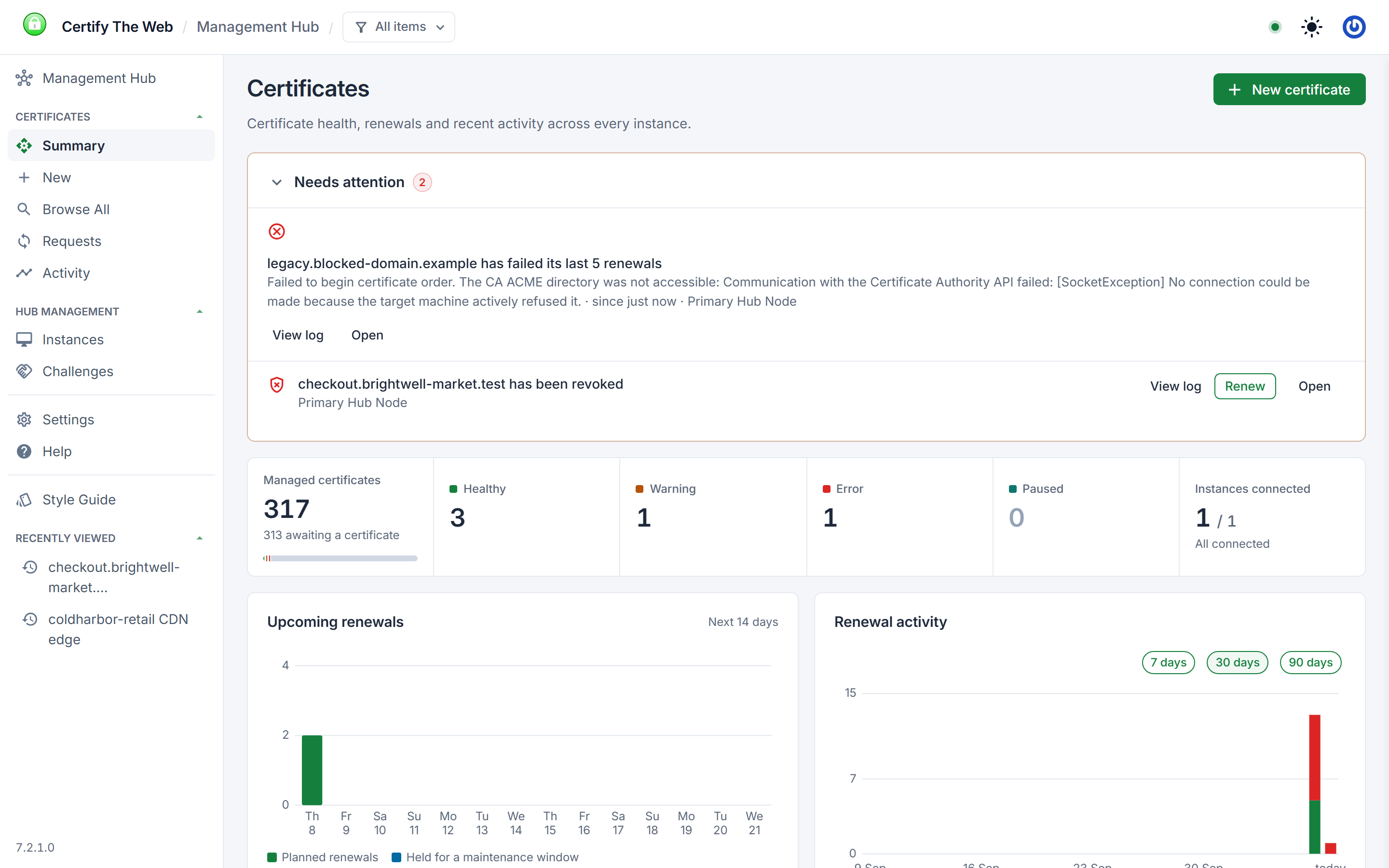
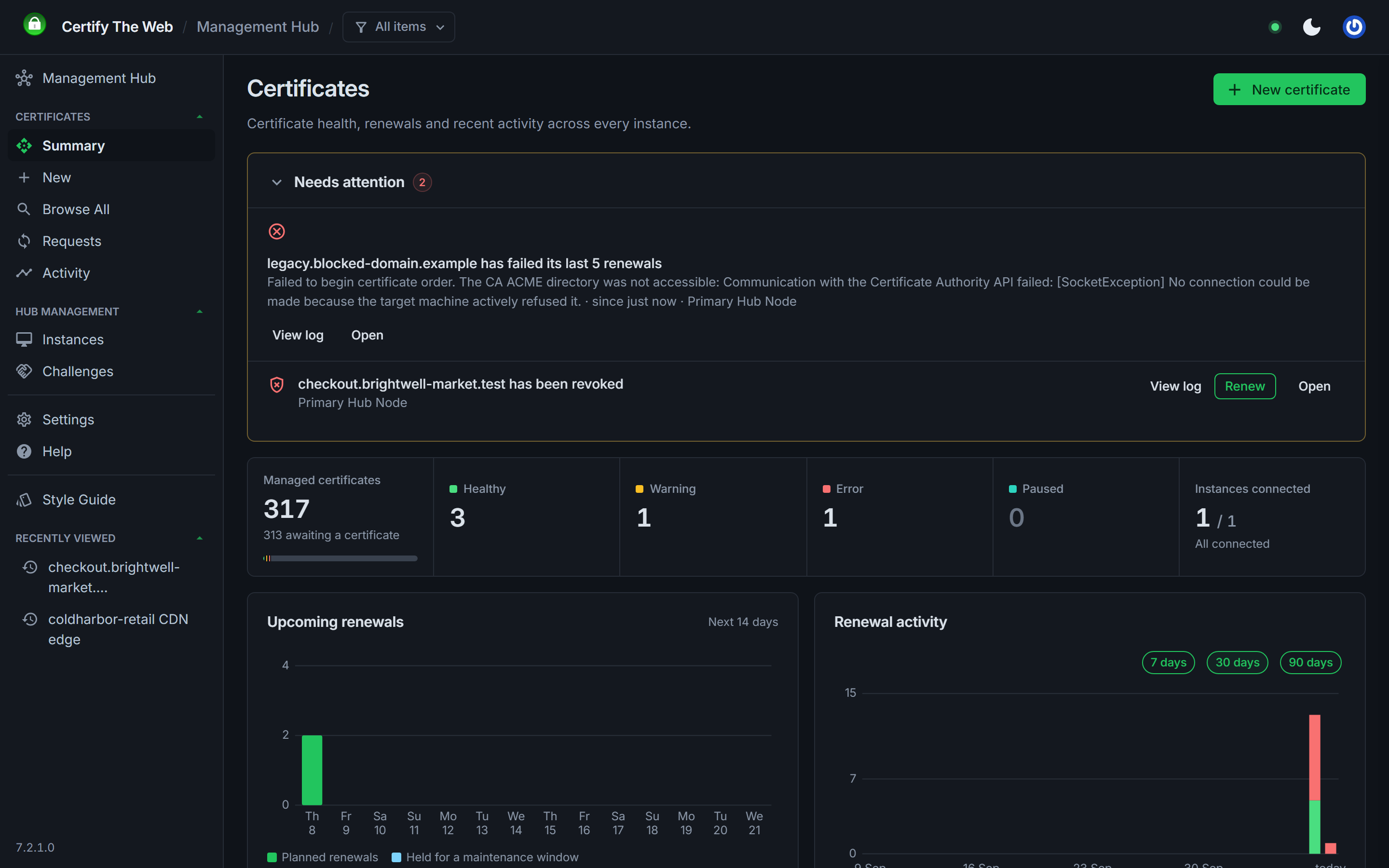
New in 7.3.0, the hub now records activity and request history, so you can see what has happened across your instances, and why a request failed, without signing in to each instance to read its logs.
- Summary shows the items needing attention, the change since yesterday, instance connection history, upcoming renewals, renewal activity and a live activity feed.
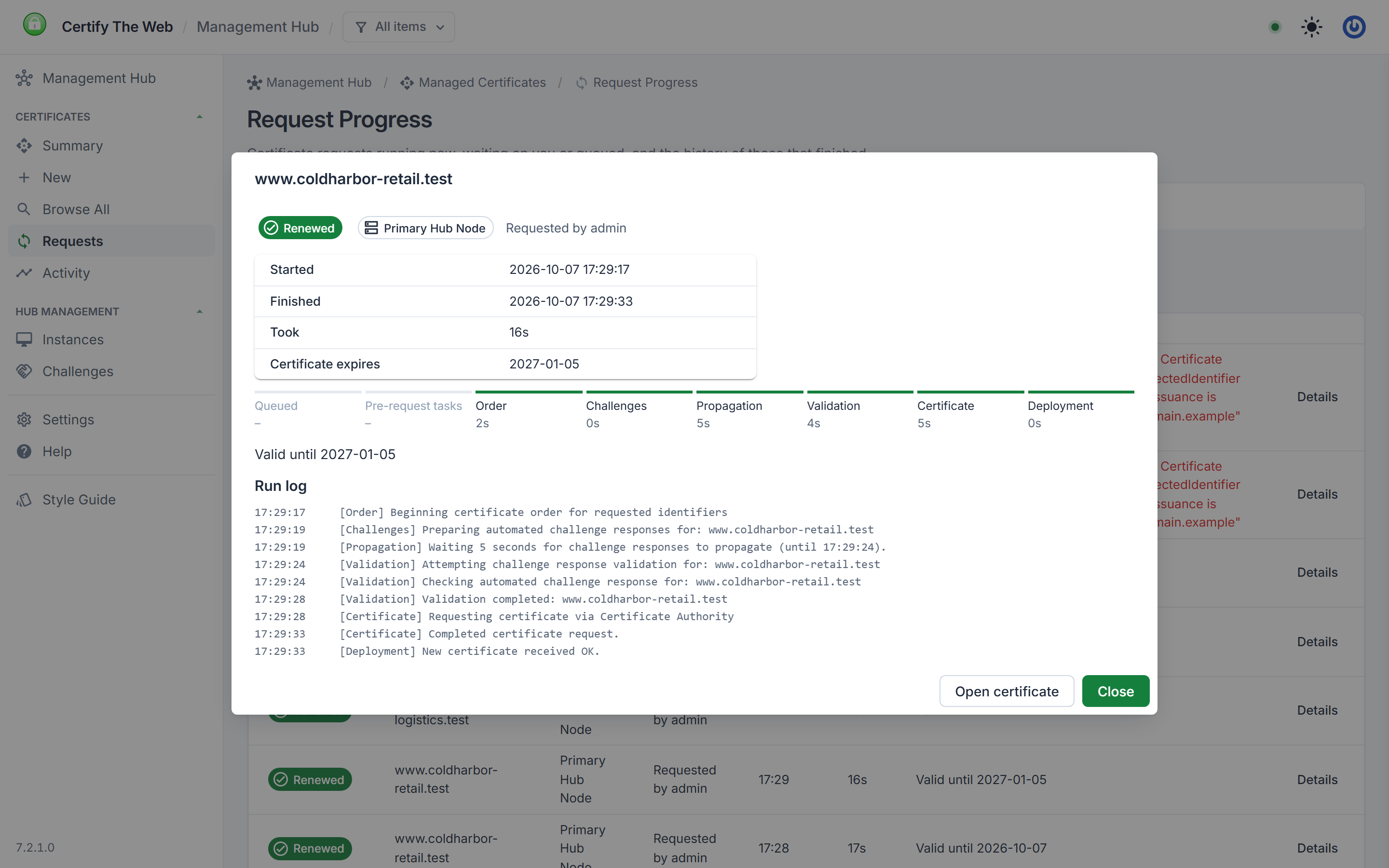
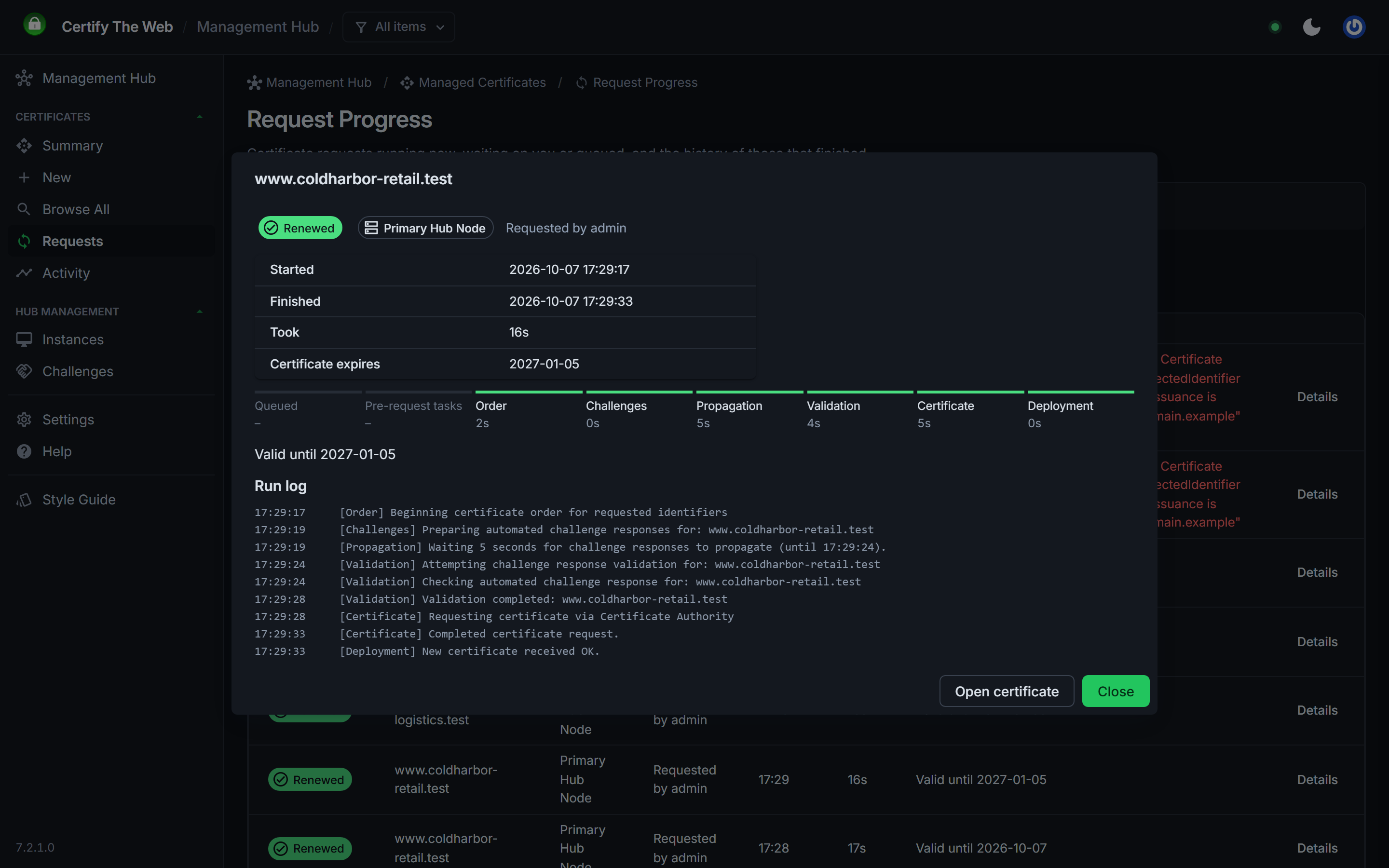
- Requests shows each certificate request as it runs, with its progress through each stage (order, challenges, propagation, validation, certificate and deployment), how long each stage took, the full run log and any action waiting on a person, such as a manual DNS record to create. History lets you search earlier requests by outcome, instance, date and text.
- Activity lists what the hub has recorded, newest first: request outcomes, renewal passes, renewals held back (for example outside a maintenance window), instances connecting and disconnecting, and changes made through the hub along with who made them.
Activity follows the same access rules as the certificate list, so users limited by tags or domains only see activity for the certificates they can see. History is kept for 90 days by default, adjustable from 7 to 730 days. Activity is reported by instances running 7.3.0 or later.
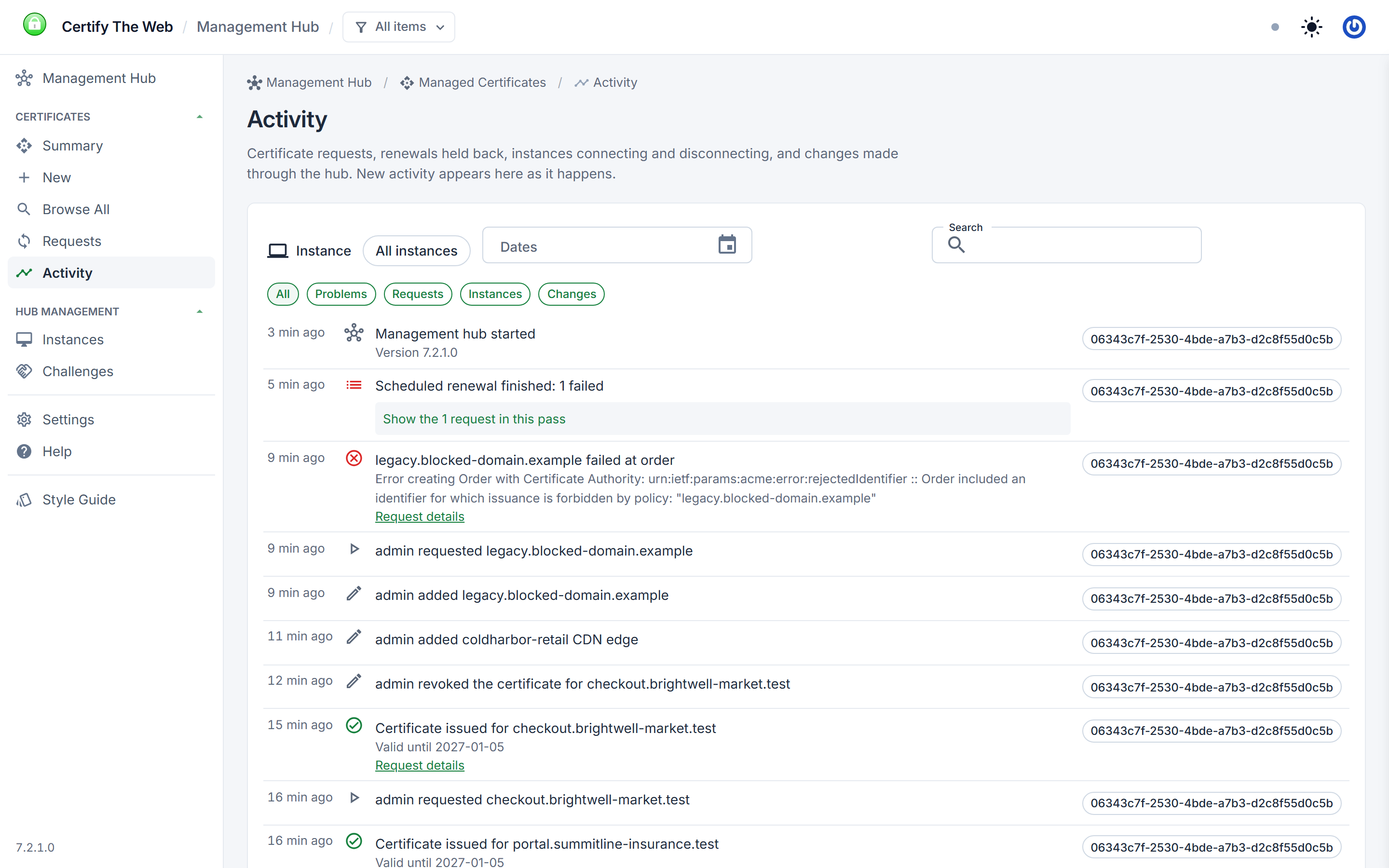
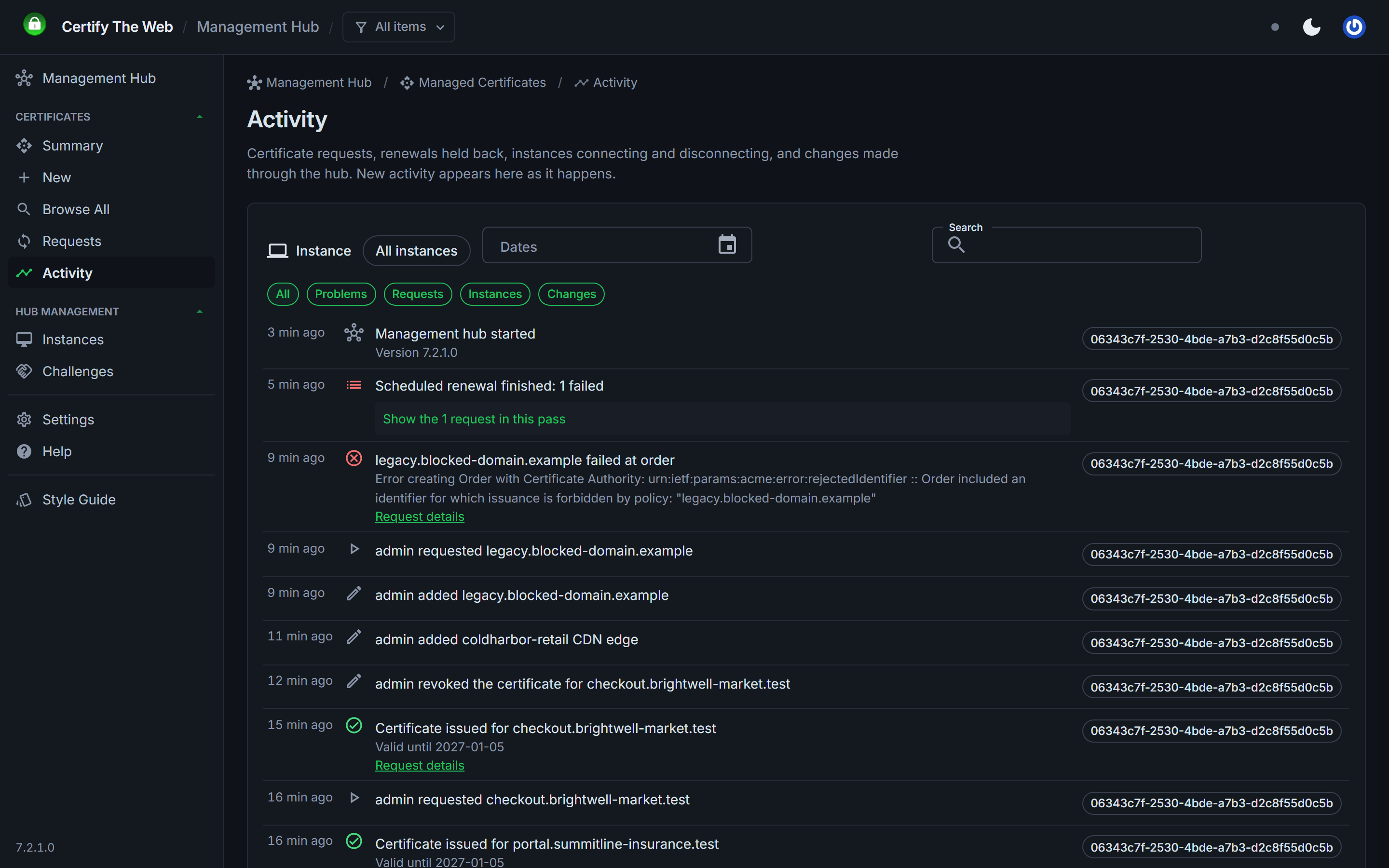
Read more in Request Progress and Activity.
Certificate Inventory Reporting
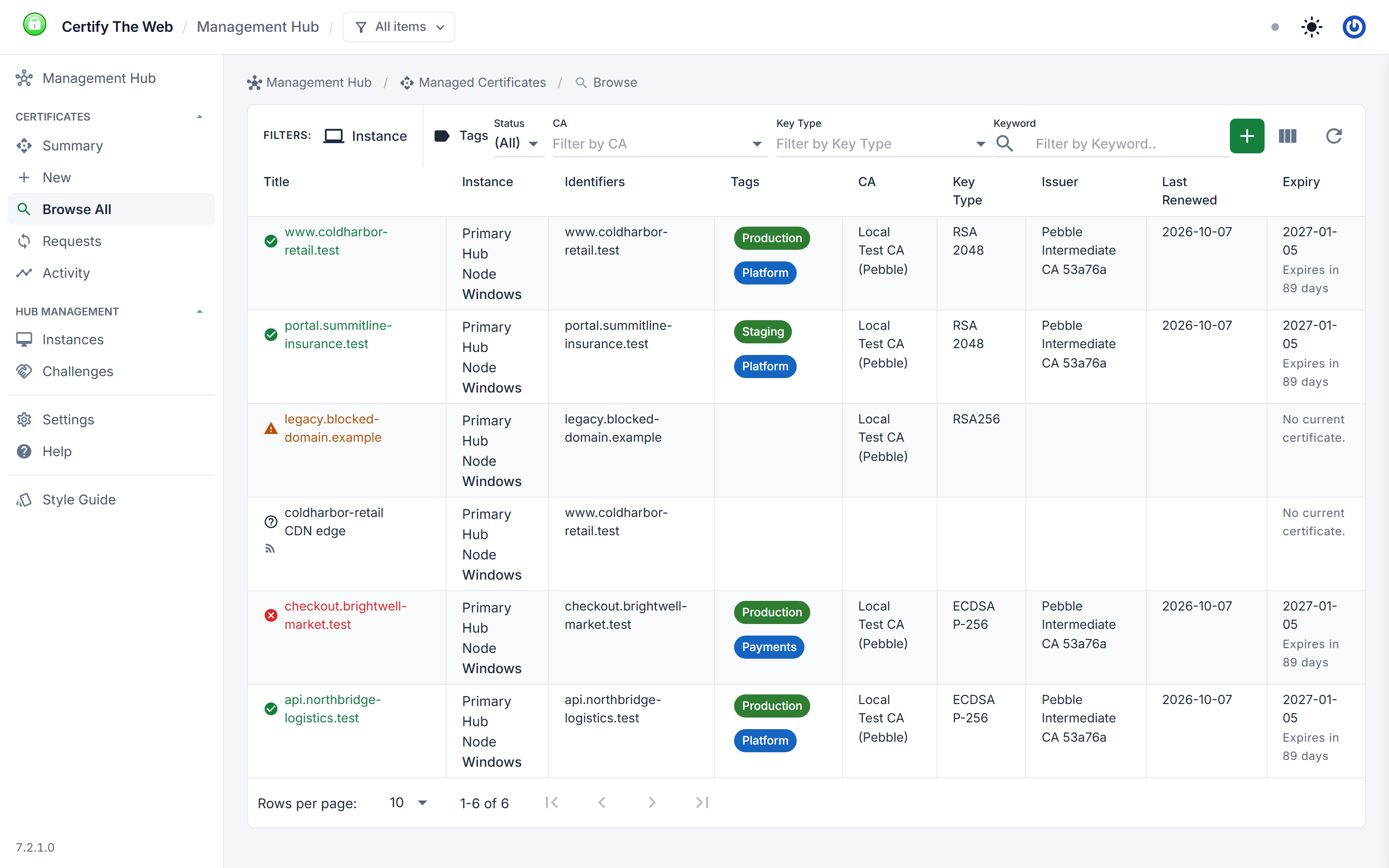
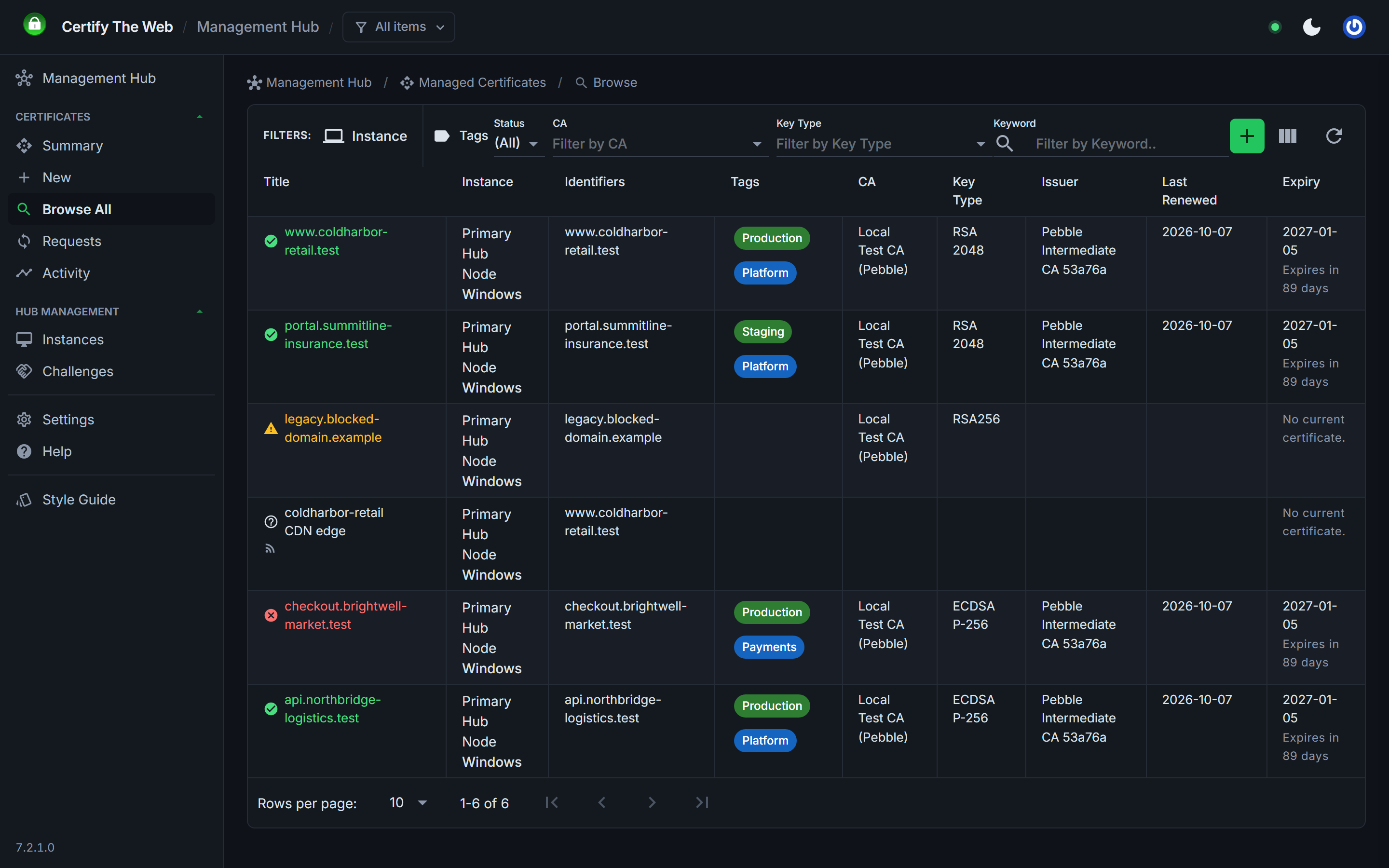
The certificate list now shows each certificate's CA, key type and issuer, with filters for CA and key type and a summary count of each. Select a CA or key type on the Summary page to open the list filtered to those certificates. This makes it quick to find every certificate affected by a CA change or distrust, or every certificate using a key type you are phasing out, such as RSA 2048. Columns you don't need can be hidden.
Elsewhere in the certificate views:
- Each managed certificate reports its calculated renewal plan, so you can see when the hub expects to renew it, or to retry a failed deployment.
- A certificate is only flagged as expiring once its renewal is actually due, based on its lifetime. Short-lived certificates no longer raise constant warnings that hide the ones needing action.
- Certificate lists show an icon for each item type, such as subscriptions and certificates from external ACME clients.
- Certificate > Advanced > Details shows the decoded certificate and its export chain.
- Recently viewed items are listed in the navigation.
Ready for Shorter Certificate Lifetimes
Since March 2026 the maximum lifetime of publicly trusted TLS certificates is 200 days, with further reductions to 100 days in 2027 and 47 days in 2029. More frequent renewal changes how renewals need to be scheduled, so this year we have:
- moved renewal timing to a percentage of the certificate lifetime elapsed, replacing the old "days after" and "days before" modes, which don't adapt to certificates of different lifetimes
- added maintenance windows, so renewals can be limited to named day and time windows, set for a whole instance or per certificate
- added the renewal plan and the due-based expiry warnings described above
- added draft support for the upcoming
dns-persist-01challenge type, which validates a domain with a single persistent DNS record instead of a new record for each renewal
See Maintenance Windows.
Organize Everything With Tags
Tagging arrived with the first production release in February. Tags are grouped into categories (such as environment, application, team or customer) and can be applied to certificates, managed instances, managed challenges and stored credentials. Tag values can also be added in advance under Settings > Tags.
Tags then became a way to divide responsibility:
- Roles can be tag scoped, so an instance, user or API token only sees and acts on the items with matching tags. You can preview a role's scope before assigning it, and review which items each instance is allowed to subscribe to.
- The certificate and instance summary views can be filtered by tag.
- New in 7.3.0, the tag view scope in the app bar narrows every page to the tags you choose. New certificates, managed challenges and stored credentials are tagged to match, so items created in your area stay there.
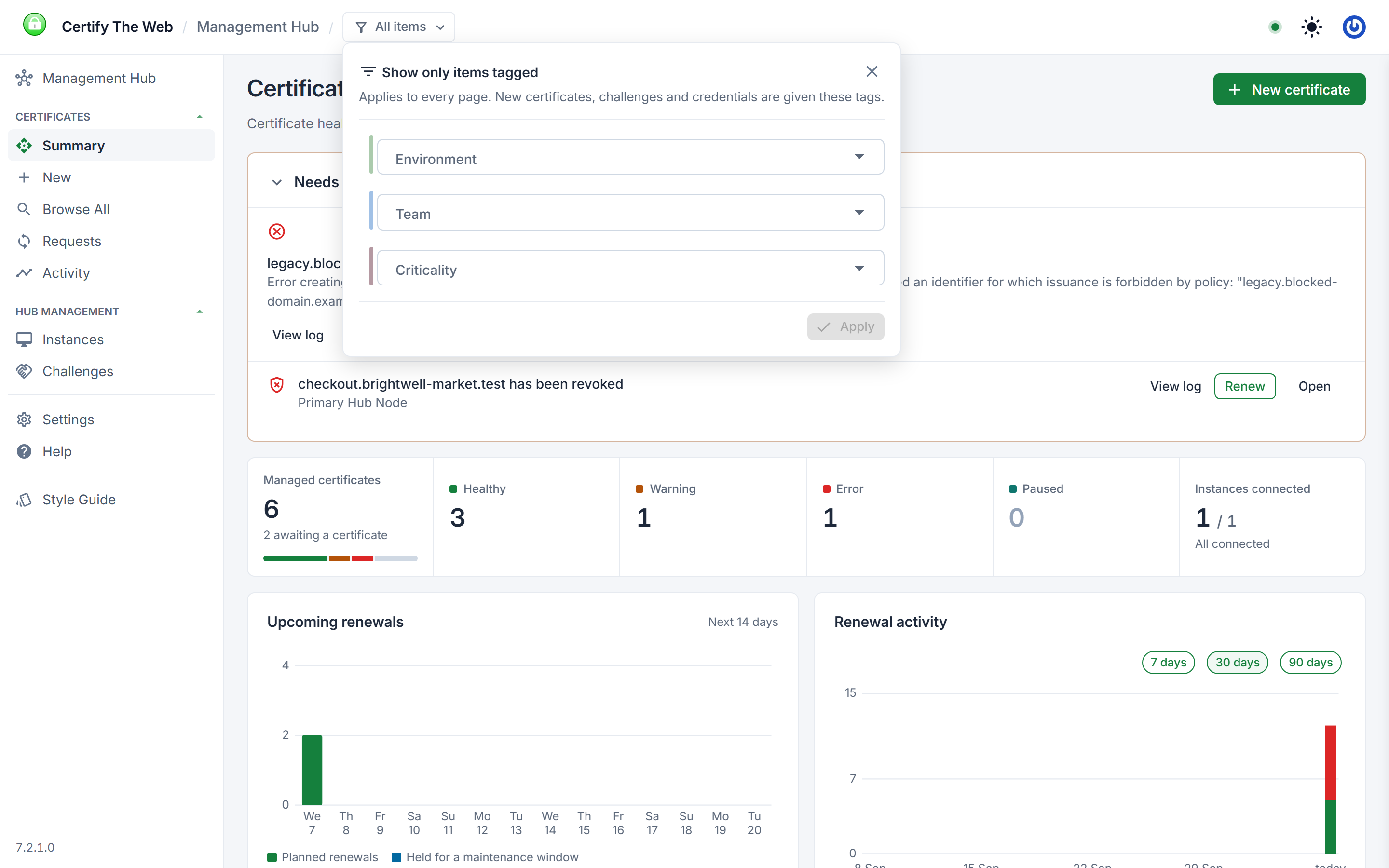
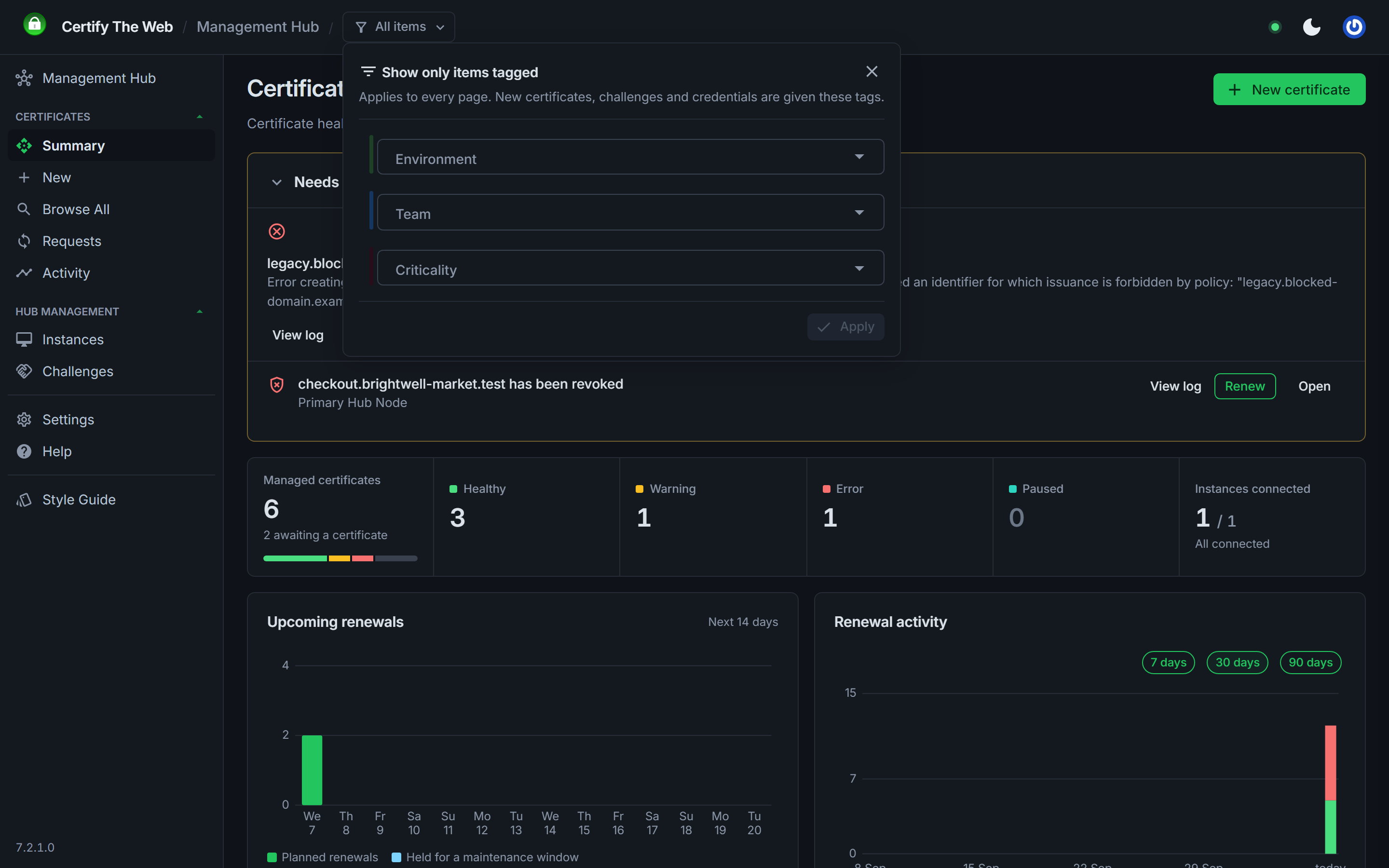
See Tag-Scoped Managed Instance Access.
Certificate Subscriptions
Certificate subscriptions (7.0.18) let the hub look after renewal of a certificate while a managed instance only deploys it. An instance can subscribe to any hub certificate its roles allow, which can be tag scoped, and the instance only checks for an update once a renewal is due.
Since then, subscription items have gained the advanced certificate options, and in 7.3.0 the hub can subscribe to the certificates it manages itself. One certificate can then have several subscriptions on the hub, each with its own deployment tasks, so deploying one certificate to different places can be split up instead of held in one long task list.
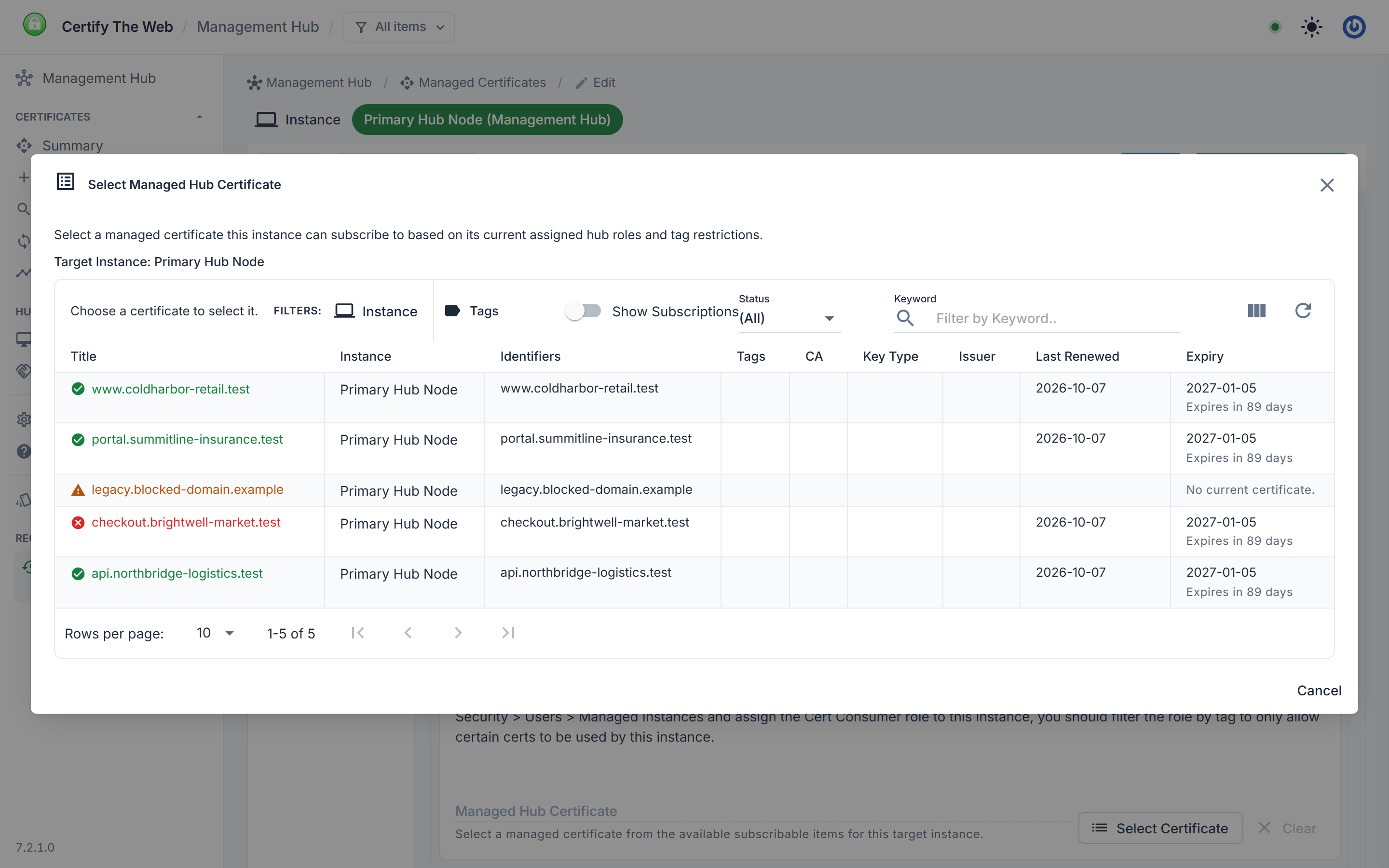
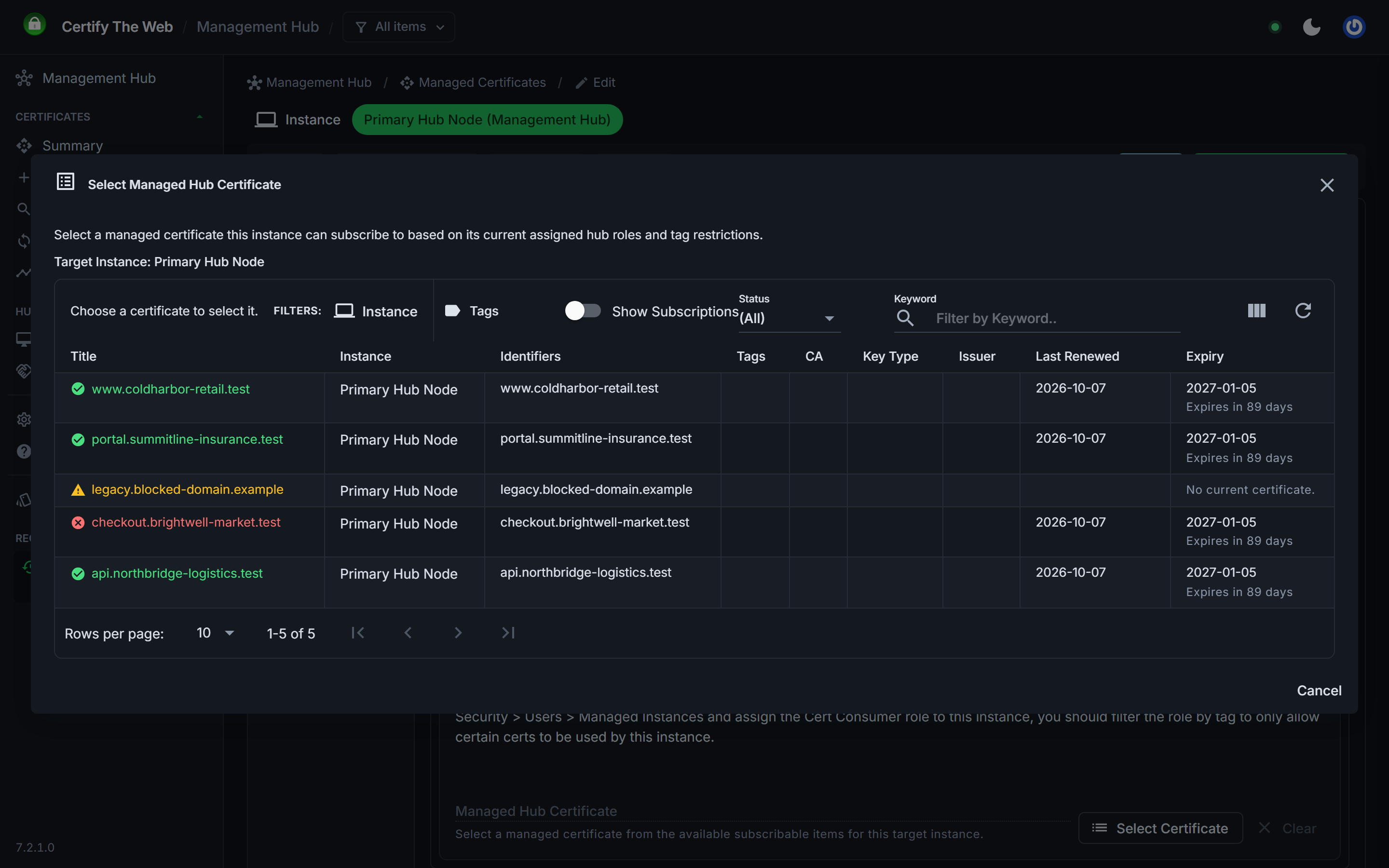
See Certificate Subscriptions.
Manage Instances at Scale
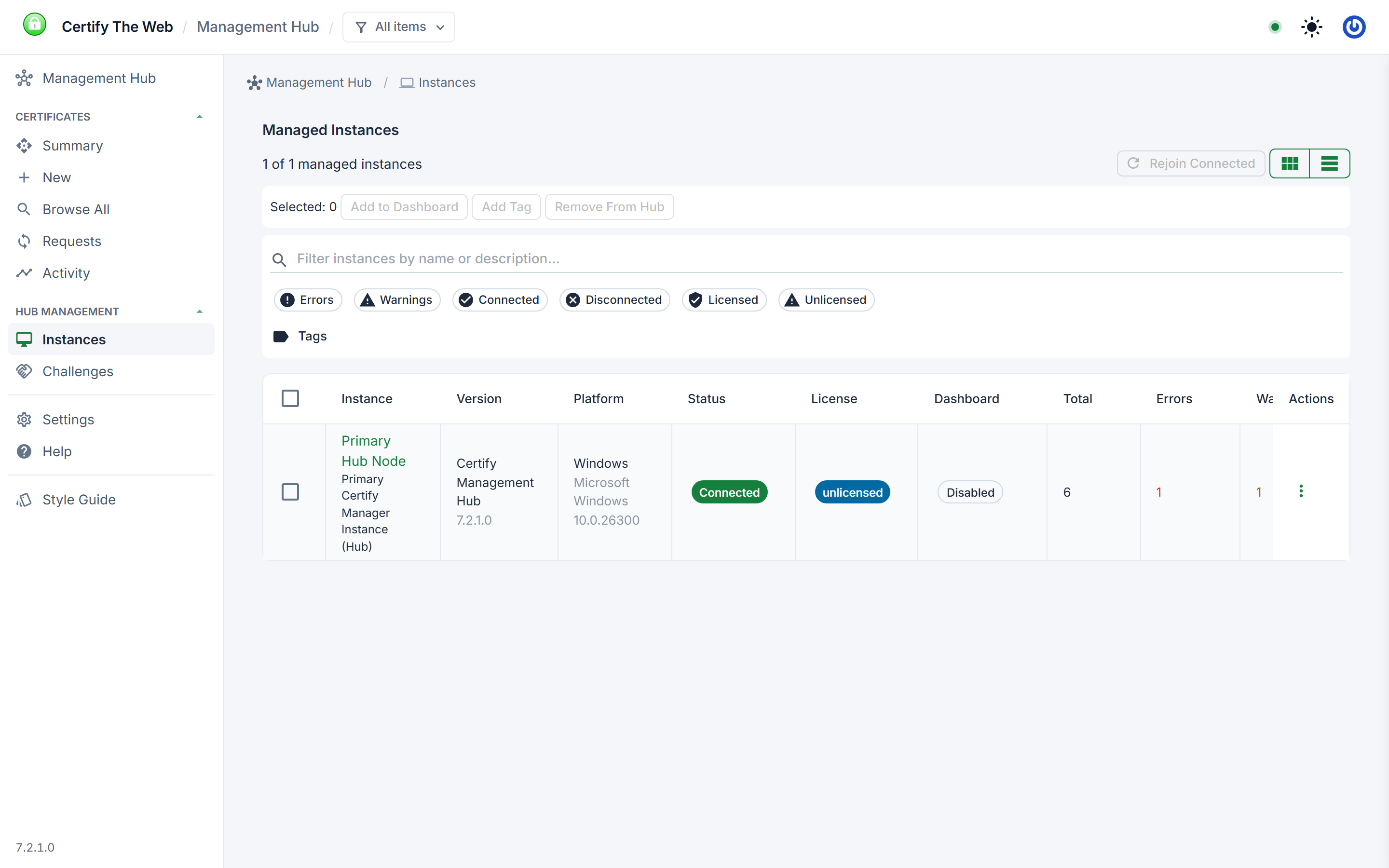
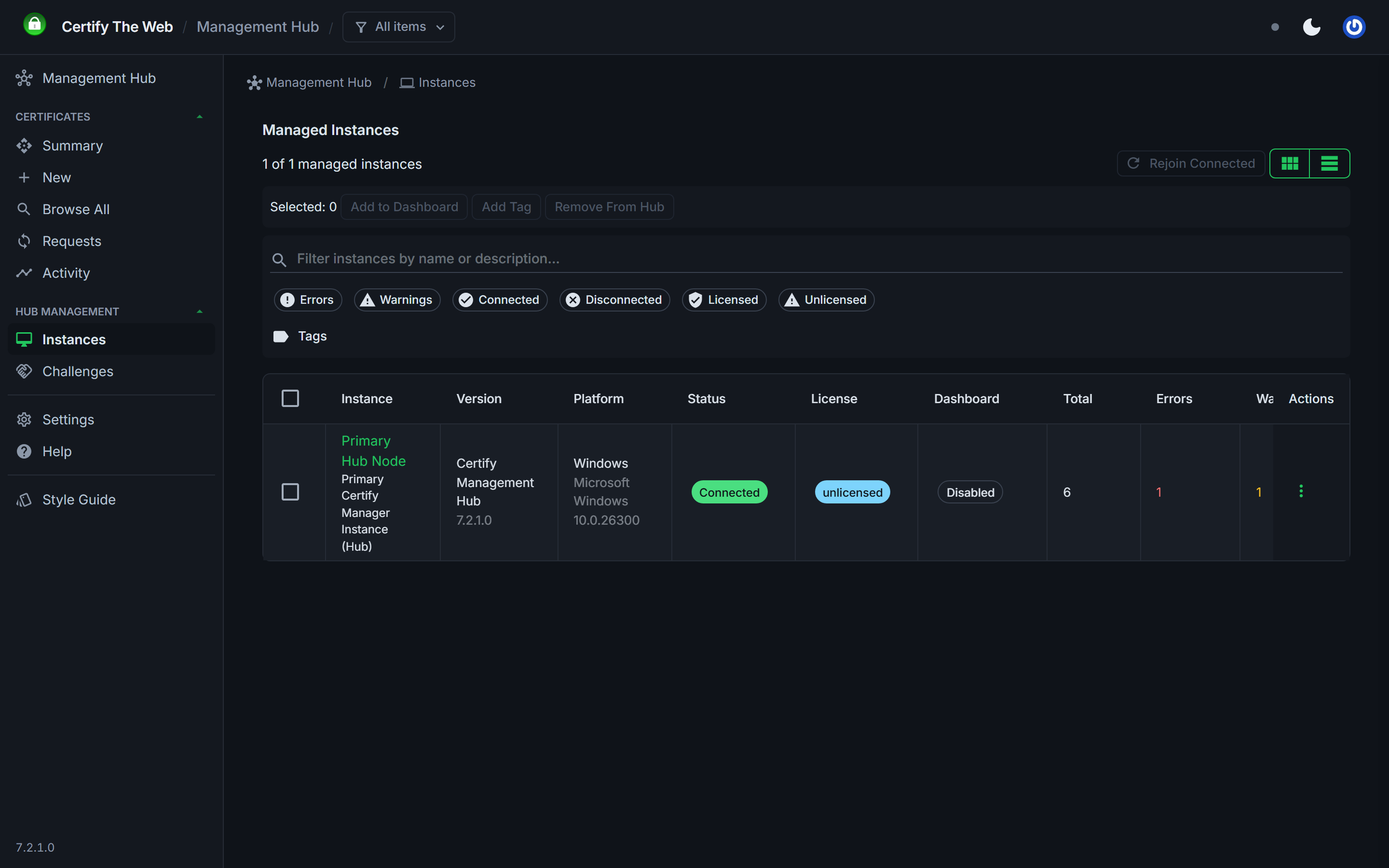
For hubs with many joined instances, this year brought:
- a new instance picker with search and filters for choosing instances
- batch actions for rejoining instances, assigning them to the Certify Dashboard, applying tags and removing them from the hub
- rejoin for one or many instances, which sends them the latest joining key so they rejoin with a new shared secret
- custom titles for instances, and a per-instance notification email address
- a per-instance system log viewer, and instance settings split into renewal settings and advanced settings
- removing an instance now tells it (if connected) to forget its hub joining credentials, so removal is a single step
- instances that drop their connection are now shown as disconnected, and new instances show as pending until their first connection completes
See Managed Instances.
See Manage Certificates in the Hub.
Managed Challenges and Managed ACME
Managed Challenges let ACME clients complete DNS validation through the hub, so your DNS API credentials are not distributed to every server. This year:
- access to managed challenges and the Managed ACME service can be granted with roles and tag scoped permissions, with domain matching handled centrally
- long-running managed challenge tasks are supported by a new polling mechanism
- a new
**.domainmatch rule covers subdomains at any depth, so one rule can cover a whole domain hierarchy - managed challenge responses must use the TXT record name of the identifier being validated, so a challenge can only be used for the domains it was granted for
Other Hub Features
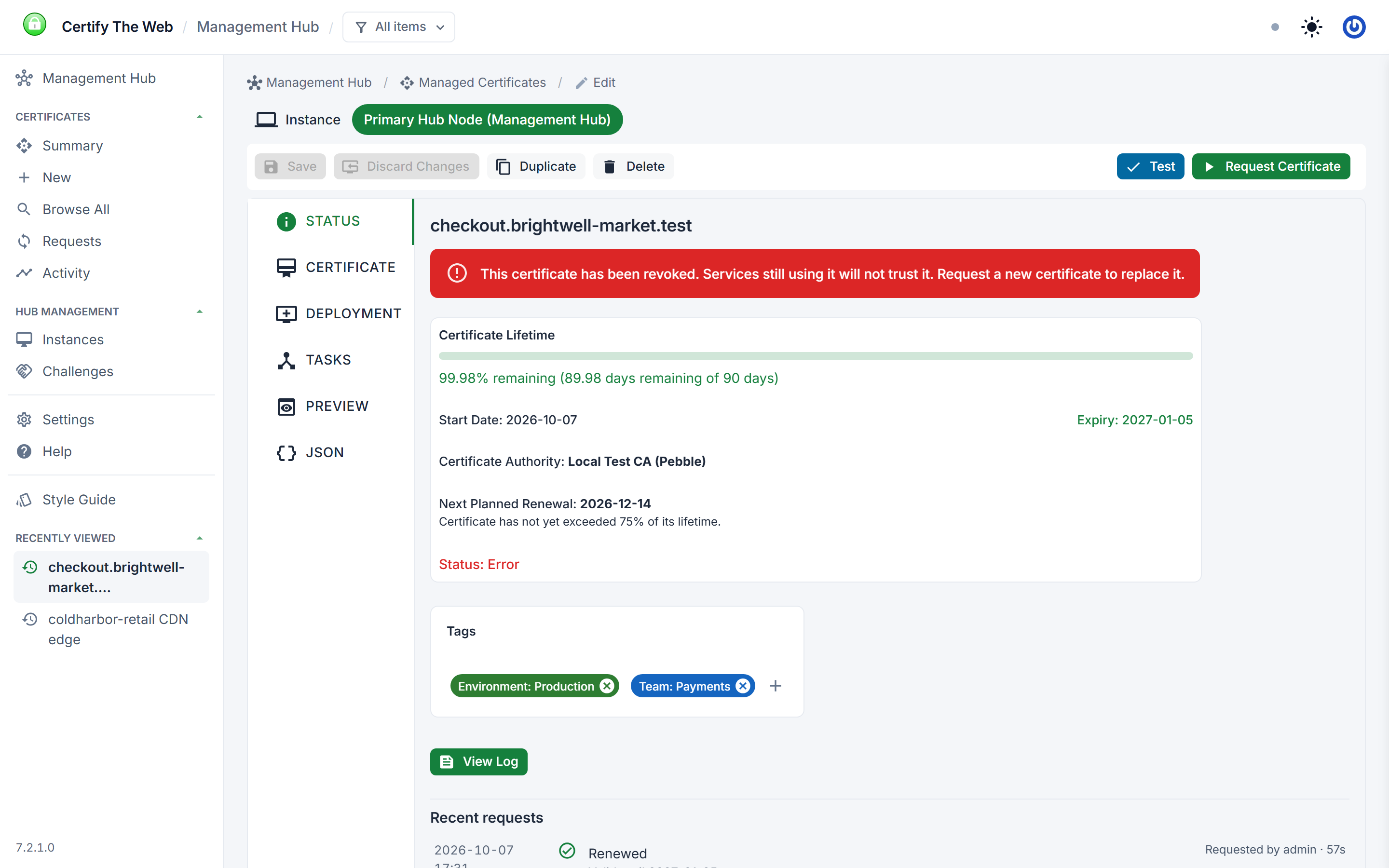
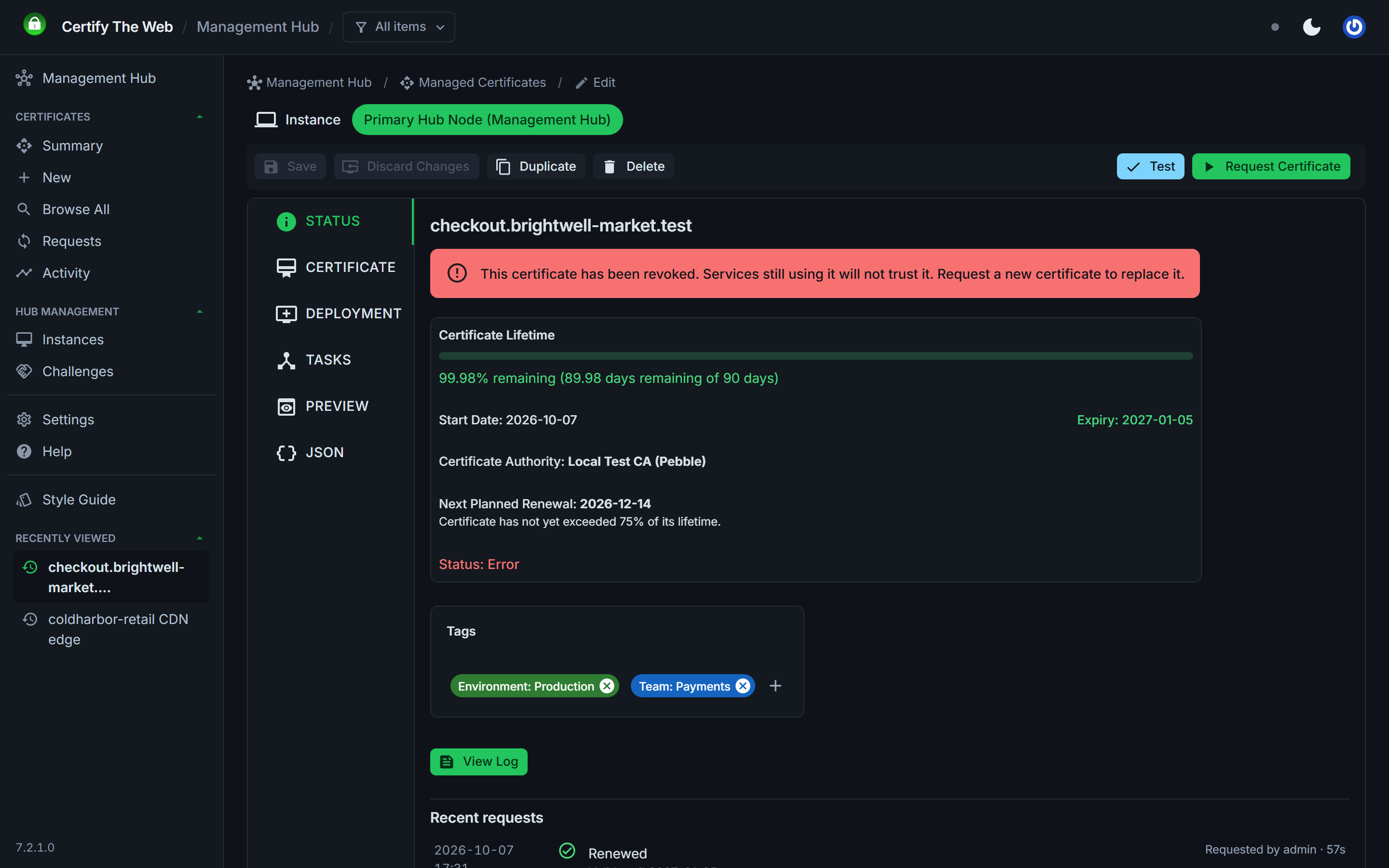
- Revoke (7.3.0): a compromised or unwanted certificate can be revoked from the hub, without signing in to the instance that manages it. Revoked certificates show a revoked banner, are reported with error health and appear under Needs Attention with a renew action, so they are not overlooked.
- Duplicate (7.0.19): copy an existing managed certificate, which saves time when setting up complex items.
- Hub API: new public endpoints list managed instances and add managed certificates (using managed challenges by default). Public and internal endpoints are documented separately under Settings > Security > API Access.
Security and Access Control
- Domain scoped role assignments (7.2.0): any role can be restricted to specific domains. Where tag scopes limit which items a role can see, domain restrictions limit which identifiers it may act on. From 7.3.0, tag and domain restrictions apply per role assignment, consistently across certificates, downloads, stored credentials, instances, managed challenges and live status updates.
- OIDC-only sign in (7.2.0): password sign in can be disabled, so users sign in only through your identity provider, such as Microsoft Entra ID.
- API authentication hardening (7.2.0): rate limiting and request size limits on authentication endpoints, and authentication is now always required. Instances older than 7.0.18 need an update to reconnect.
- Script settings limited to administrators (7.3.0): adding or changing PowerShell and program deployment tasks, request scripts and the custom script DNS provider now requires an administrator, so lower-privileged users cannot introduce commands that run on your servers.
- Signed joining checks (7.3.0): each joined instance must sign its connection check with its own key, so one instance's joining credentials cannot be used to connect as another.
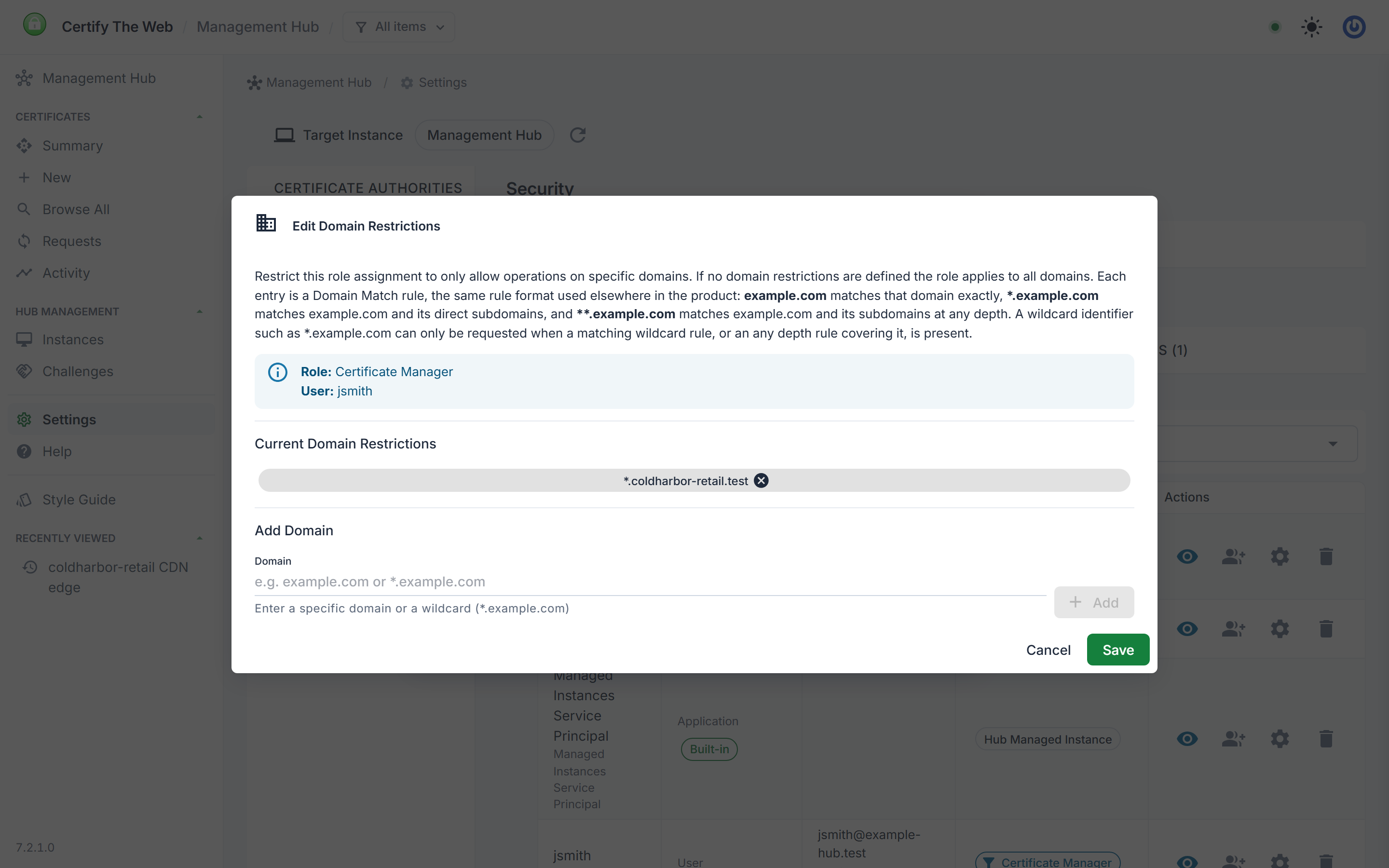
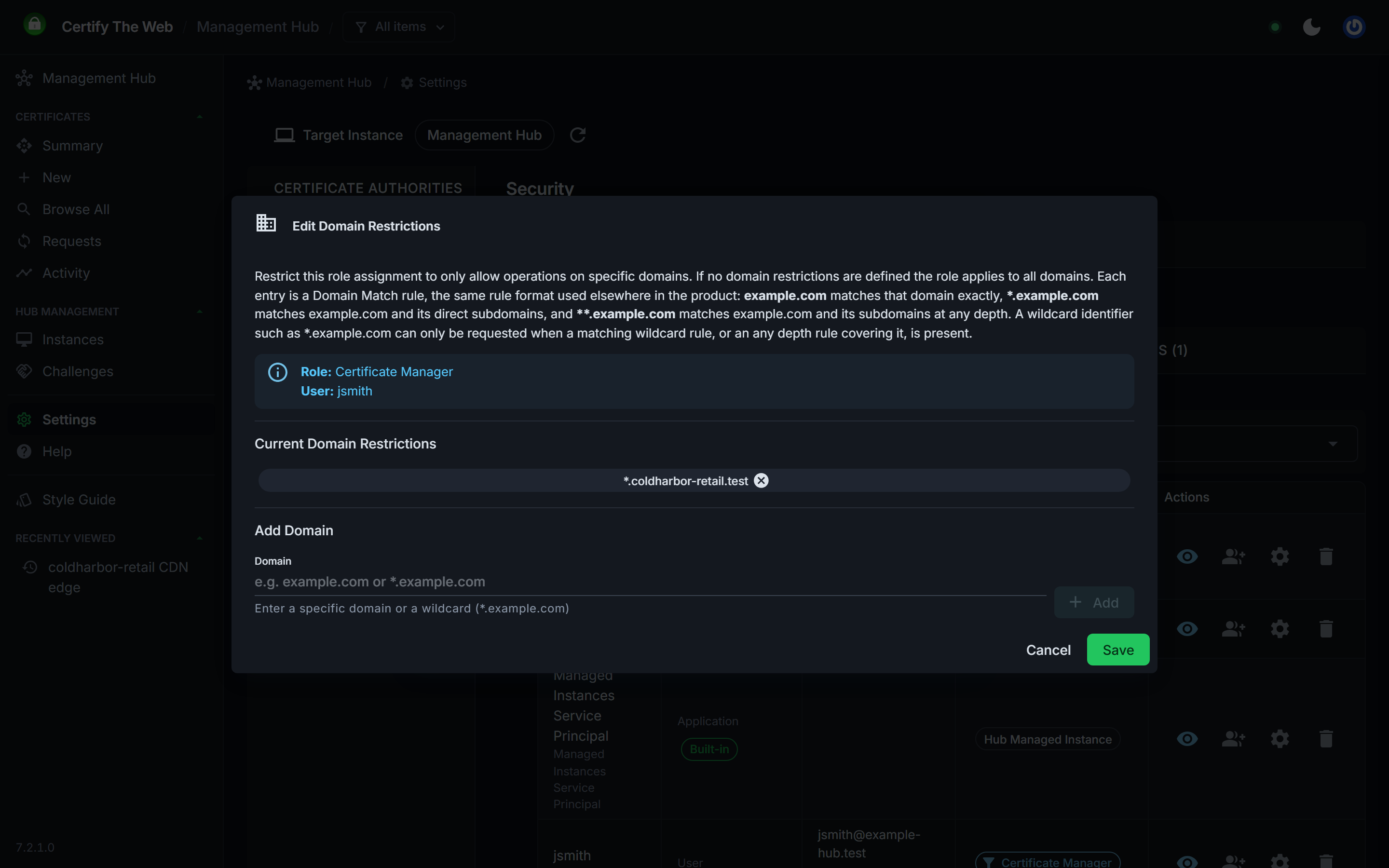
See Security and Access and OIDC sign in.
PostgreSQL and SQL Server Data Stores
Version 7.2.0 added data store administration to the hub. You can add PostgreSQL or SQL Server connections and test them before saving, migrate your data to a new store, and switch the active store. Stored connection settings are encrypted. The schema version is checked on connection, and required schema migrations are applied automatically where the connection's credentials allow it, or can be applied from the hub.
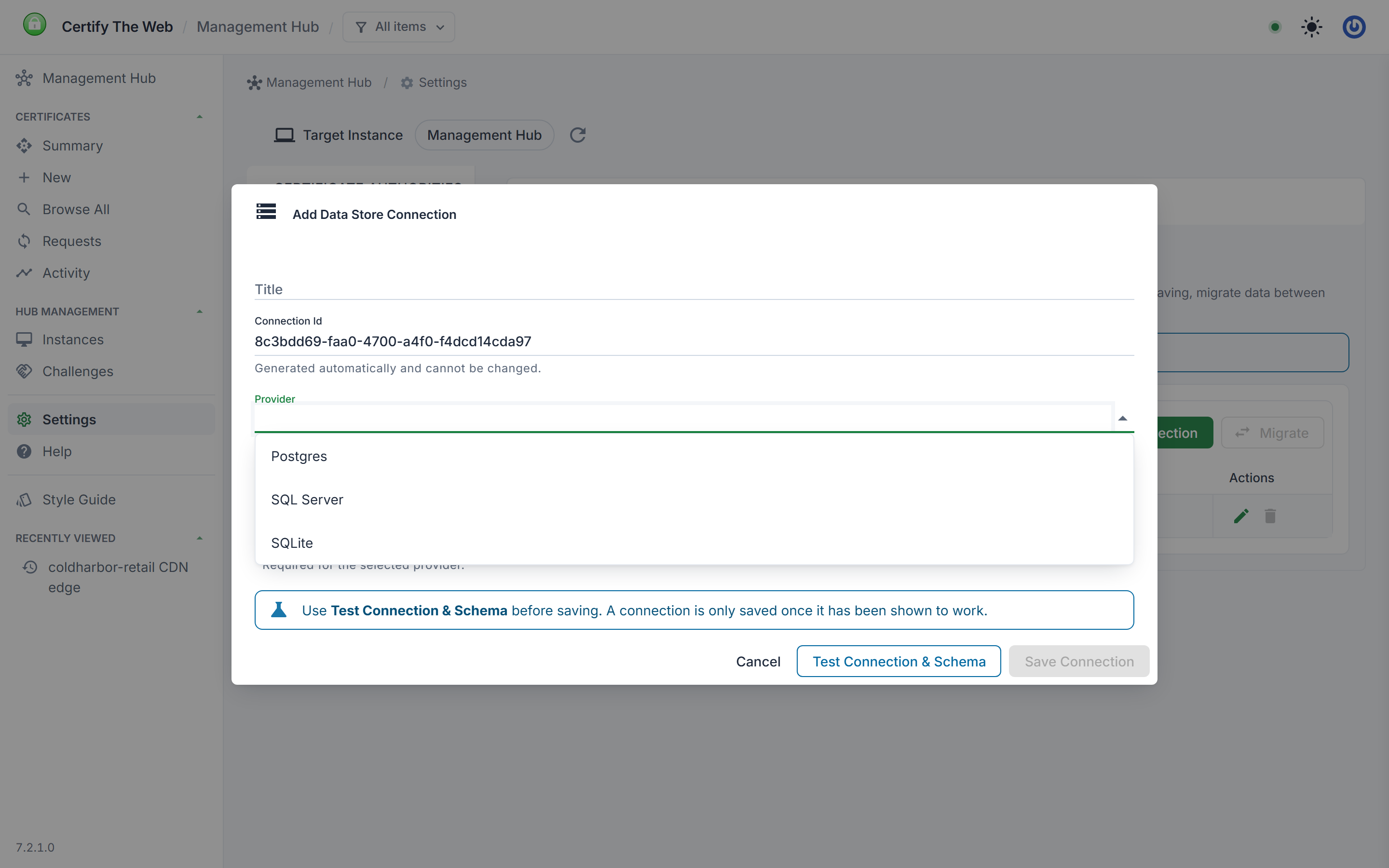
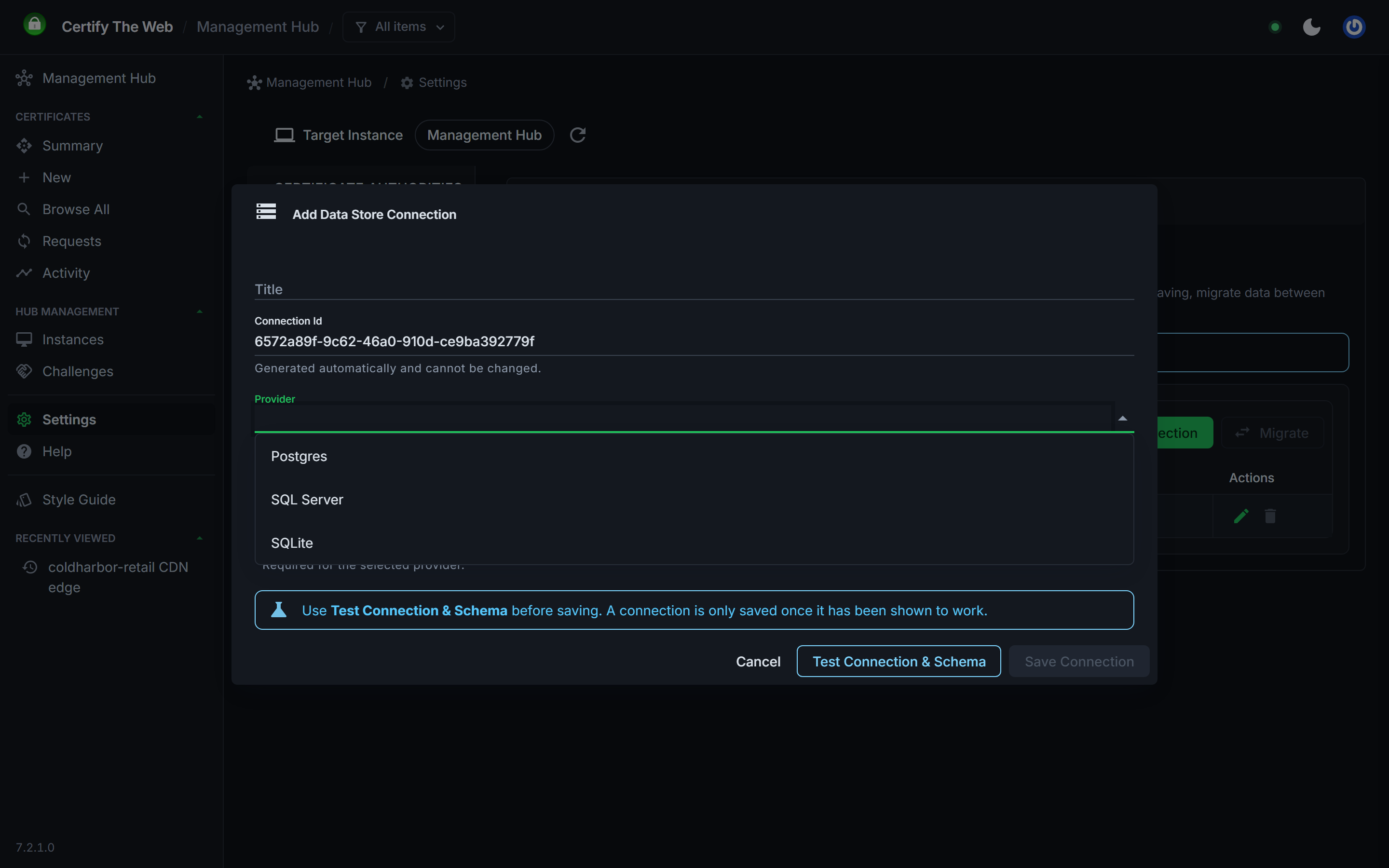
See Data Stores.
Other ACME Clients
The hub can monitor certificates renewed by other ACME clients, such as Certbot, acme.sh, Posh-ACME and win-acme/simple-acme. This year that monitoring gained better configuration status reporting, log retrieval and an on-demand refresh. See External Certificate Manager Monitoring.
Deployment and Renewal Improvements
These apply to every instance you manage from the hub:
- PowerShell execution modes (7.0.19): on Windows, scripts now run as a new process using the system PowerShell (5.1 where available) by default, for compatibility with existing scripts and snap-ins such as Exchange. Linux runs PowerShell 7 in-process, and an experimental full impersonation mode is available on Windows. See Scripting.
- Export passwords (7.3.0): the Export Certificate, Tomcat and Centralized Certificate Store tasks can set a password held as a stored credential for exported PFX files and encrypted PEM keys.
- Windows key storage provider (7.3.0): choose the legacy CSP or CNG provider used when importing certificates into the Windows certificate store, set from the desktop app or the hub.
- CSR and chain options: a global setting for including the Common Name in CSRs, a CA setting for CAs which require it, an option to add CA intermediates to the Windows intermediate store, and strict export chain building.
- DNS providers: new providers for Technitium, HostUp, DNSExit, GoDaddy DNS API v3, Hosting.nl, Infomaniak DNS API v2, Microsoft DNS, mijn.host, Spaceship and EuroDNS (reseller), all via Posh-ACME. AWS Route 53 now supports cross-account access with AssumeRole, contributed by VA6DAH.
What's Next
On our roadmap for the coming months:
- an audit trail (OCSF, OpenTelemetry) to support compliance frameworks such as SOC 2 and ISO 27001
- revised command line options for Certify Agent
- copying or moving managed certificates between instances, for simpler server migrations
- converting an instance managed certificate into a hub managed certificate with a subscription on the instance
- global reporting webhooks, and bulk settings sync across instances
Upgrading
To upgrade, see Install and Upgrade. If you are upgrading to 7.3.0, upgrade your managed instances too, then enable Enforce Signed Joining Checks under Settings > Hub (see Enforce signed joining checks). It is off on upgraded hubs so that existing instances keep connecting.
Thank you to everyone who sent feedback, reported issues and contributed this year. Much of the work above started as a customer request. If a feature matters to your deployment, contact us at support at certifytheweb.com.